Three live device views
Load the same website into three independently selected devices and compare layout behavior at a glance.
 Pasulyapby MTCCORE
Choose up to three devices, compare them side-by-side, synchronize interactions and inspect responsive layouts without juggling browser windows.
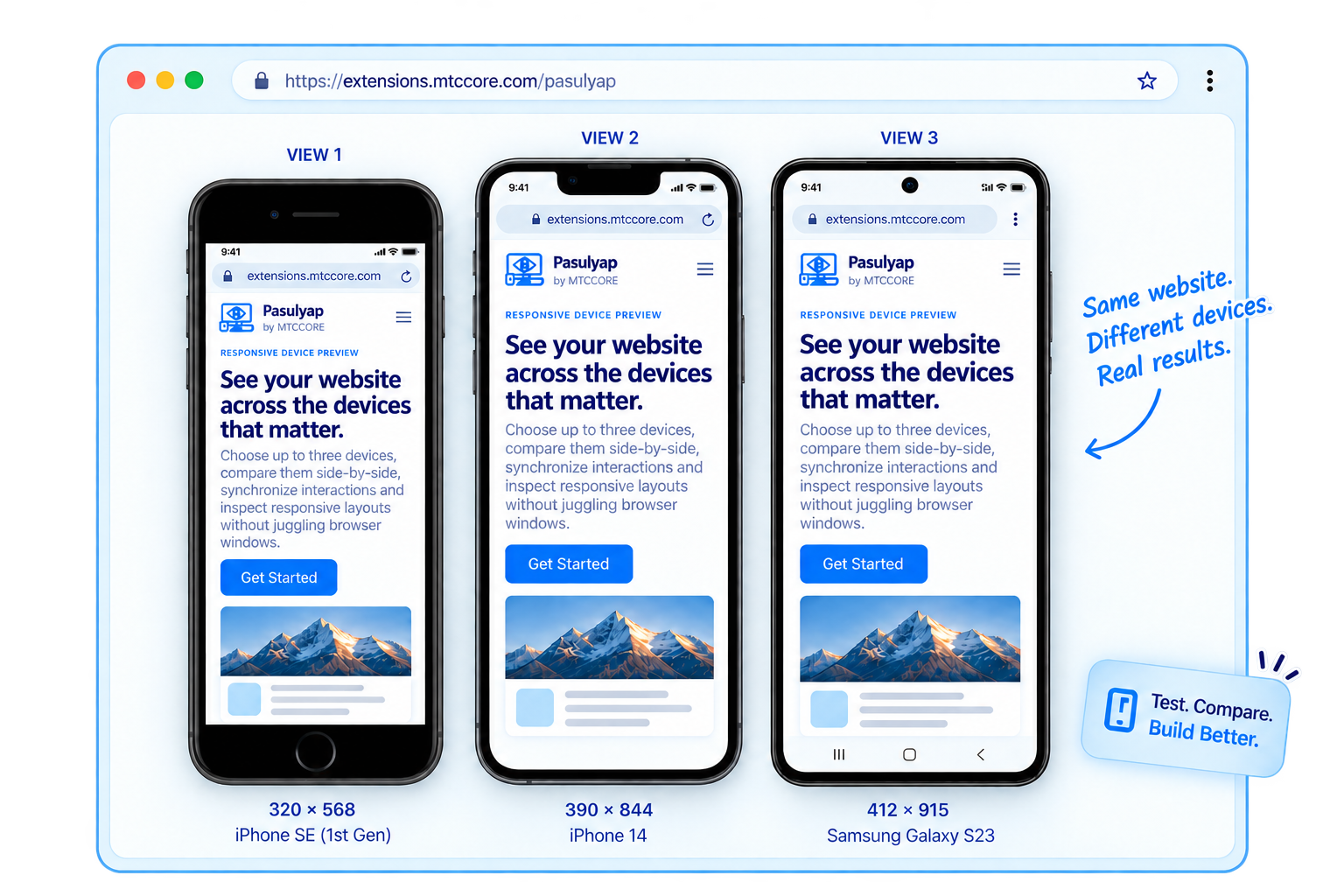
Preview, compare, capture and inspect responsive layouts in one clean workspace.
Load the same website into three independently selected devices and compare layout behavior at a glance.
Switch the complete workspace orientation without rebuilding your comparison setup.
Keep your comparison workflow aligned while testing the same page across multiple viewport sizes.
Create regular screenshots and long-page captures when you need a visual record of the layout.
Record an individual framed device view or the complete three-device comparison workspace.
Keep useful device combinations and frequently used presets close for faster testing.
Visit the page you want to inspect, then launch Pasulyap from Chrome.
Pasulyap creates one clean workspace and unlocks the preview controls.
Select separate device presets for View 1, View 2 and View 3.
Save screenshots or recordings when you want to document responsive behavior.
No account is required to begin using the core Pasulyap preview workflow.
Yes. View 1, View 2 and View 3 can each use a different device preset.
Yes. Pasulyap supports Portrait and Landscape workspace layouts.
Use the Support page to send your concern directly to MTCCORE, including screenshots or a short video when useful.
Install Pasulyap in Chrome, open a website, and compare it across three device views.
INSTALL FROM CHROME WEB STORE